
Created 30 Dec 2025
What to Include in Your Event Programs
When it comes to planning a showcase, theatre production, pantomime, or anything in between, there is so much to juggle and think about that you can’t think of everything. Which is why we, as a leading ticketing software solution, wanted to help take a couple of extra things off of your plate (as well as selling your tickets for you, of course).
Which is what to include in your event program.
Whether you choose a printed program or a digital one accessed via QR code, there are a few essentials that every performance program should include:
1. Performer Information
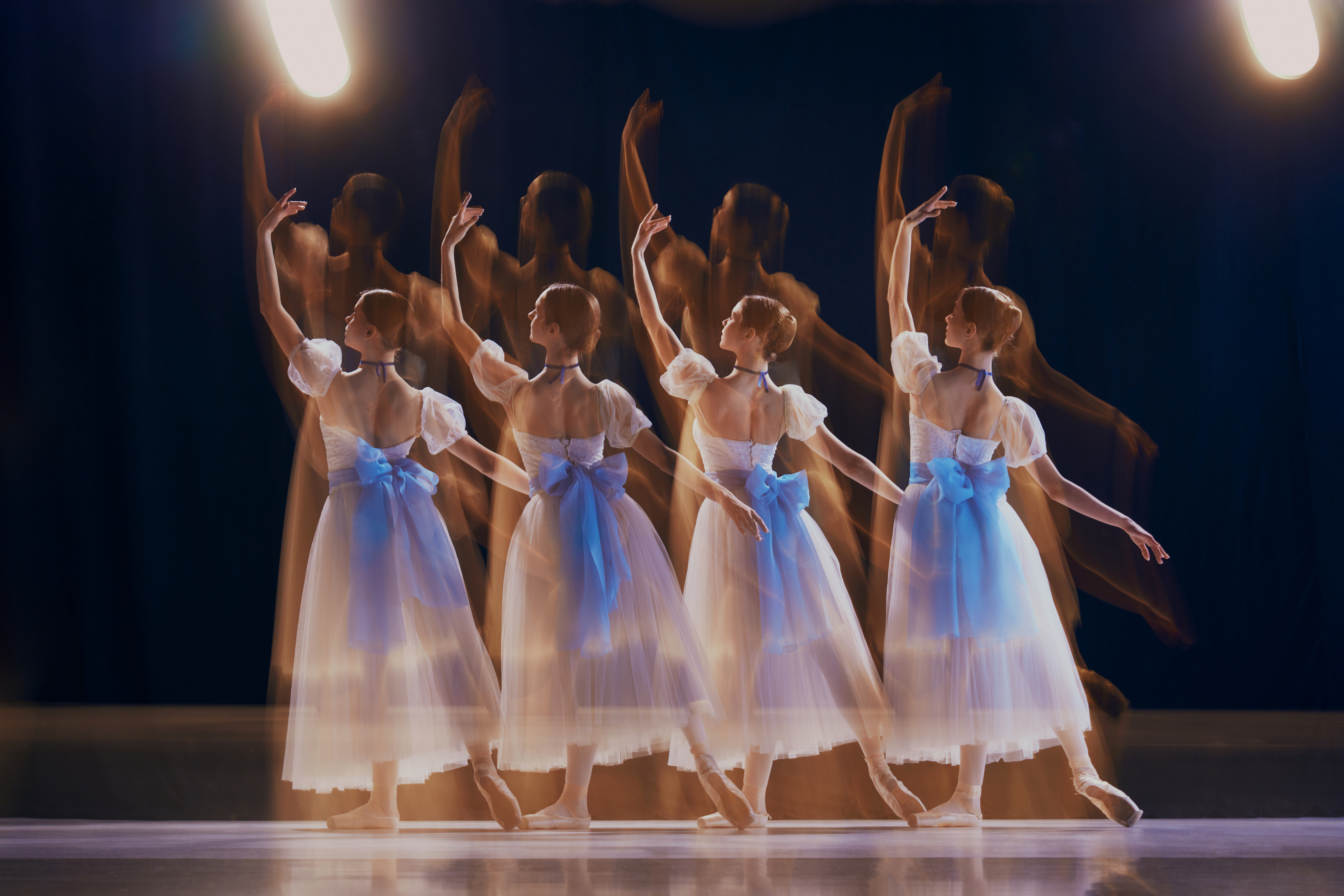
Let’s be real, the majority of the people in your audience, especially if you’re a smaller local company running the event, are coming along to see their children, grandchildren, nephews/nieces in a show, and seeing their names in print can be a huge and magical thing.
- List all performers and what they are performing, ideally in the order of appearance. This is especially useful for dance recitals or multi-act shows.
- Include act names and timings, so your audience can follow along easily.
2. Background on Your Studio or Company
Use this opportunity to promote your services. This is a great way to reach your ideal demographic. Make sure you take the opportunity to sing your own praises (although the performance will be doing most of that, it’s always good to back it up with further information)
- Share a brief history or mission of your dance studio or theatre company.
- Offer a discount or trial to anyone who signs up after attending the event
- Don’t forget to include information about yourself! You’ve worked hard—let your audience know who made it all possible.
3. Acknowledgements and Shout-Outs
It takes a team to put on your events, which is why it’s always nice to highlight those who have worked so hard to bring your vision to life, in a public display.
- Highlight staff who have gone above and beyond or contributed significantly to the performance.
If a student choreographed a piece or a performer is taking their final bow before leaving, include a short bio. Personal touches make your program more memorable.
4. Design and Layout Tips
- Keep text minimal. Most audience members will only glance through the program before the performance or during intermission.
- Include plenty of images, particularly of performers and classes.
- Stick to your branding to make your program feel professional and cohesive.
- Proofread carefully! Typos and mistakes will be noticed, and your program might even be kept as a memento for years to come.
Make Your Program Work Harder with Stage Stubs
A well-crafted program does more than inform—it celebrates your performers, promotes your studio, and creates a lasting keepsake for your audience. And when you choose Stage Stubs to sell tickets for your event, you can make the experience even smoother.
With Stage Stubs, you can pre-sell merchandise like programs directly to your audience. They can collect them on the day, which means no last-minute scrambling, no over-ordering or under-ordering, and no wasted time or money. You’ll know exactly how many programs to prepare, and your audience will appreciate the convenience of having theirs ready and waiting.
Find out more about how you can use Stage Stubs to support the running of your event, with our range of resources:
- Make additional revenue with Stage Stubs event tickets
- You’ve done the hard work, let Stage Stubs do the rest .
- Turn your dance recital into your marketing super power.
- Make additional revenue with Stage Stubs ticketing software
- Benefits of offering a tiered seating plan for your events
Quick Program Checklist for Your Show
To make planning your program even easier, here’s a simple checklist you can follow:
Header & Branding
- Logo & studio/company name
- Event title & date
Performance Order
- Acts listed in order of appearance
- Act names and timings
- Names of performers for each act
Background Info
- About your studio/company
- How to join or participate
- Special promotions or trial offers
Acknowledgements
- Staff shout-outs
- Choreographer highlights
- Performer bios (especially final performances or milestones)
Visuals & Layout
- High-quality photos of performers or classes
- Consistent branding and colours
- Minimal, easy-to-read text
ExtrasContact info or social media links